
Text-to-video
Sand.ai’s flagship MAGI-2 generates video from a text prompt. The documented Higgsfield API mode is sand/magi-2/text-to-video.
Independent MAGI-2 / MAGI 2 landing · not affiliated with Sand.ai
MAGI-2 is Sand.ai’s flagship 480B video model, announced November 24, 2026. It is documented as generating up to 30 seconds of native 1080p, 25 fps video with synchronized audio, from text, images, and optional references.
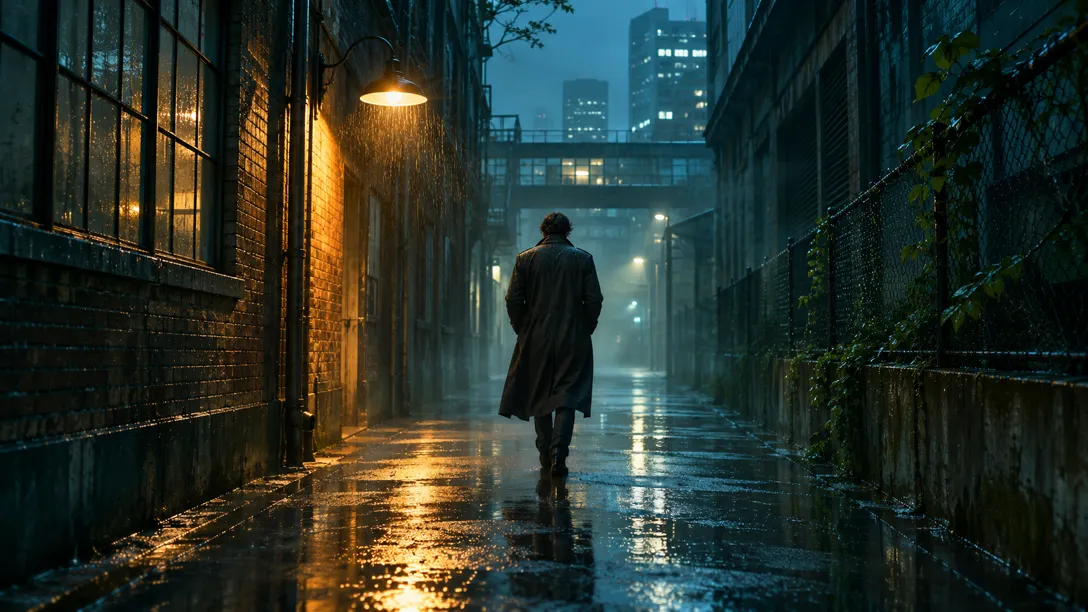
100 credits · 20 credits per second. Audio on or off uses the same price.
1080p
Your video will play here.
Sign in to see your generation history.
These points come from Sand.ai’s November 24, 2026 flagship post and the public model docs. This site generates text-to-video and image-to-video. Omni-reference is an official MAGI-2 mode and is not offered here yet.
Sand.ai’s flagship MAGI-2 generates video from a text prompt. The documented Higgsfield API mode is sand/magi-2/text-to-video.
A first frame can be animated, and an optional last frame can set the ending. Official API mode: sand/magi-2/image-to-video.
Up to 20 media items in one request: 10 images, 5 videos, and 5 audio clips, via official reference-to-video.
Sand.ai says MAGI-2 generates dialogue with lip-sync, foley, ambient sound, and music in one backbone. Audio can be turned off.
Official flagship and API docs describe 1080p at 25 fps, with clip lengths from 4 to 30 seconds (API default 5).
21:9, 16:9, 4:3, 1:1, 3:4, and 9:16 are the documented formats.
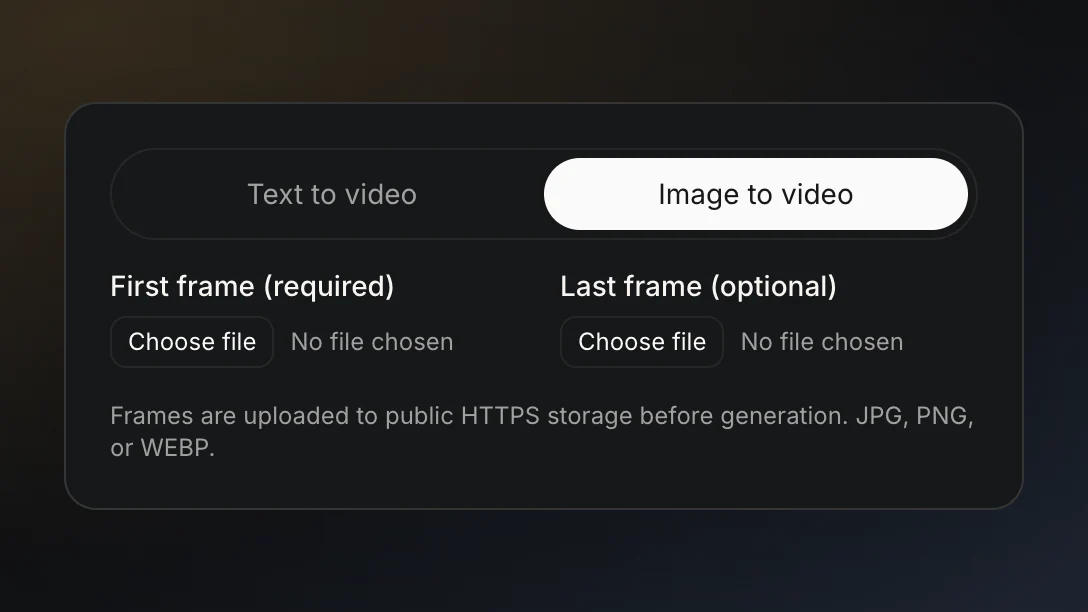
Step 1
Start with text-to-video, or switch to image-to-video, add a first frame, and optionally a last frame.
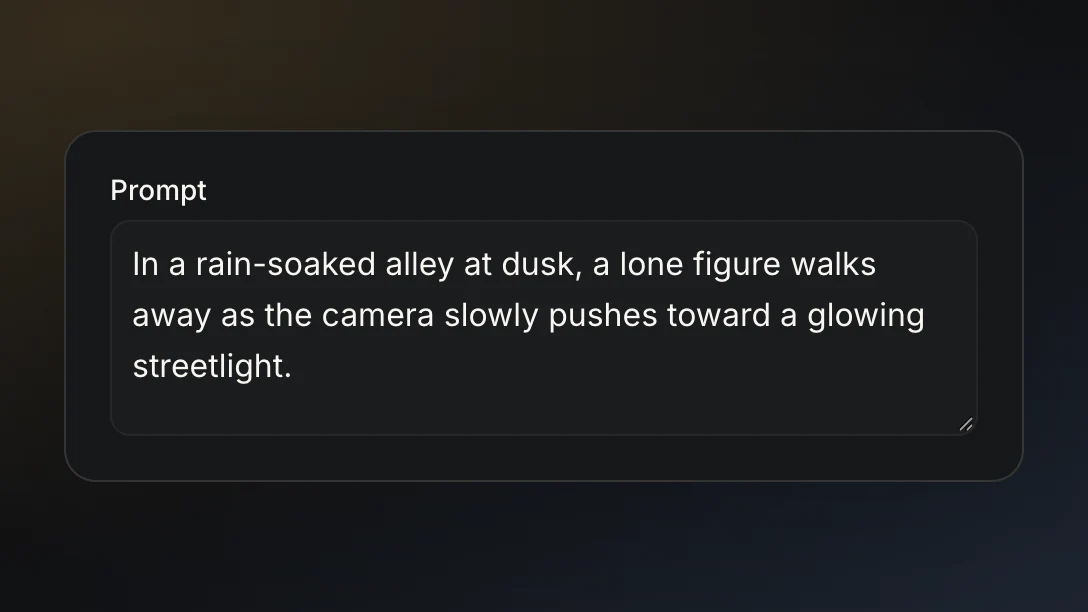
Step 2
Write the scene, camera move, and timing. Official guidance is to keep a clip to one or two actions and a single camera move when you want tighter control.
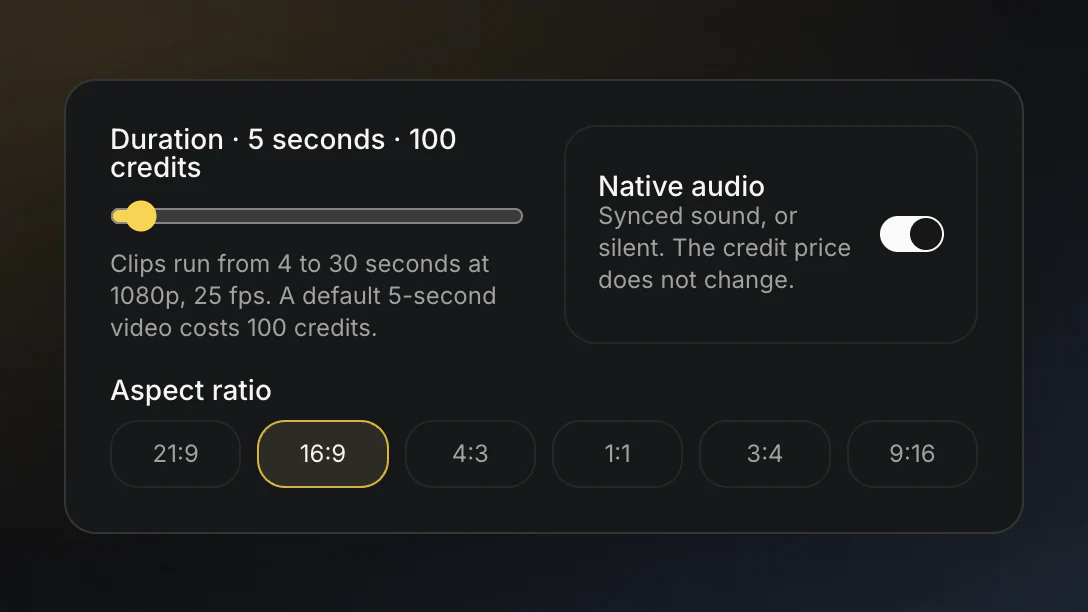
Step 3
Pick 4 to 30 seconds, one of six aspect ratios, and whether audio should be generated with the picture.
Step 4
Sign in and spend site credits. A default 5-second clip costs 100 credits at 20 credits per second. Turning audio off does not change the price. Failed tasks return those credits once.
Explore a 1080p shot idea, camera path, and soundtrack direction before a full production pass.

Stage lighting, texture, and product presence in a short clip, then refine elsewhere.
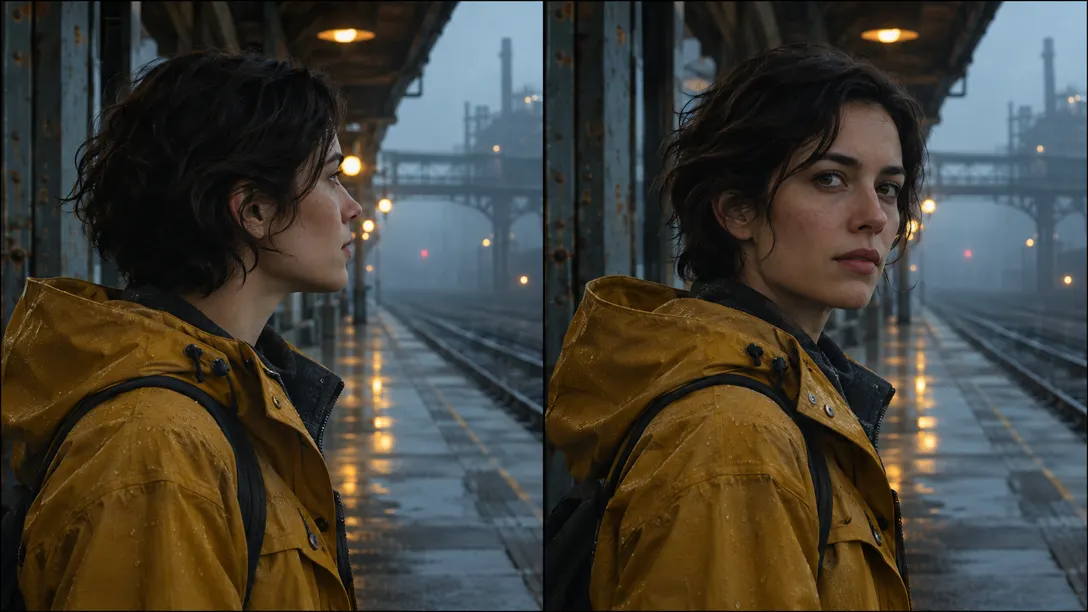
Image-to-video starts from a first frame and can aim at an optional last frame. Multi-image, video, and audio reference mode is part of official MAGI-2 and is not offered here yet.
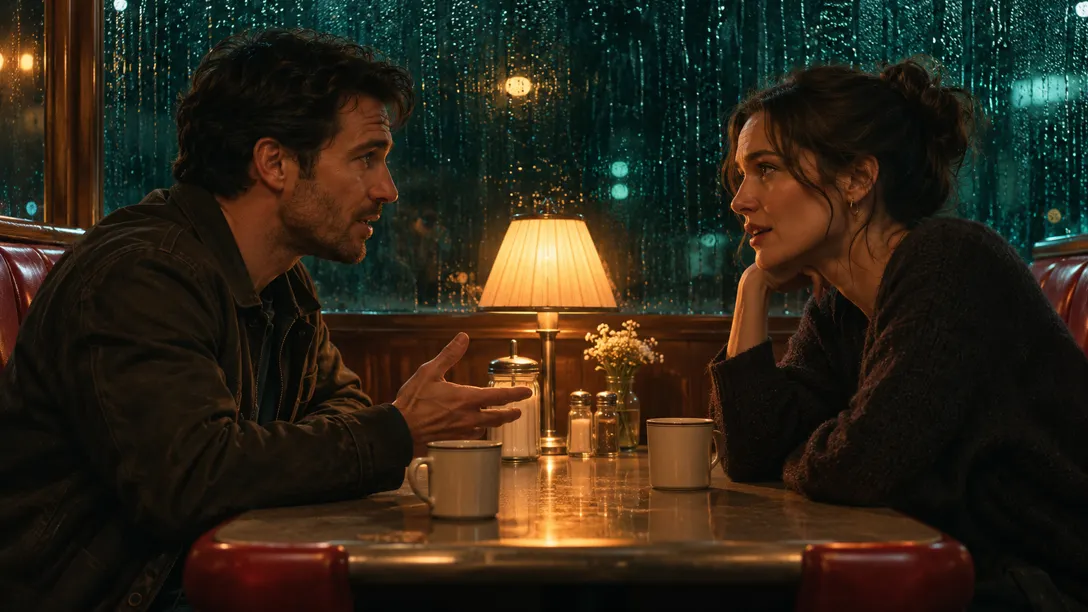
Leave native audio on to ask for dialogue, foley, and ambience with the picture. The credit price stays the same if you turn audio off.
See how five models let you direct a shot, carry characters across scenes, and revise footage.
Scroll sideways to see all five models.
| Creative control | MAGI-2 | Seedance 2.5 | Kling 4.0 | Wan 3.0 | MiniMax H3 |
|---|---|---|---|---|---|
| Keyframe control | Set the opening image and optionally add a closing image. | Animate an opening still or connect two stills. | Place keyframes at the start, end, and points in between. | Guide the transition between an opening and closing still. | Set either endpoint on its own or provide both. |
| Directing the camera | Set when to cut between wide shots and close-ups. | Use a rough 3D render to guide camera paths and blocking. | Match camera movement, timing, and cuts from a reference clip. | Sketch a camera path over a reference image to guide the move. | Borrow camera movement from a clip for a new subject. |
| Character consistency | Guide a character’s look and wardrobe across different settings. | Give multiple characters their own appearance and voice references. | Use a character reference to guide face, hair, and costume. | Pair a character image with motion from a reference clip. | Guide the same character’s look, movement, and voice with separate references. |
| Editing footage | Give targeted edit instructions for an existing clip. | Use timestamps to revise a specific action or moment. | Swap a subject while carrying over the original action. | Add or remove objects, or give footage a new visual style. | Describe changes to a character, outfit, or background. |
| Continuing a scene | Use the last frame of a clip to start a separate shot. | Add follow-on shots over multiple rounds of extension. | Extend an uploaded clip in successive passes. | Add new footage before, after, or on both sides of a clip. | Reference an existing clip to generate its continuation. |
On magi-2.co, you can generate with text or animate a first frame and optionally set the last frame.
Pricing
Subscribe for the best value, or buy credits when you need a flexible top-up. These are independent-site billing SKUs, not official Sand.ai prices, and they stay inactive until payment is configured.
100 signup credits, enough for one default 5-second MAGI-2 video.
The best annual choice for creators with ongoing video projects.
The strongest value for teams that expect heavy video generation.
No. This is an independent landing page about MAGI-2, also searched as MAGI 2. It is not affiliated with Sand.ai or Higgsfield.
Yes, for signed-in users when the Kie API key, database, and credits are configured. This version generates text-to-video and image-to-video (optional last frame) at 20 site credits per second. It is not affiliated with Sand.ai. Reference-to-video is not offered yet.
MAGI-1 is Sand.ai’s earlier autoregressive chunk model, with streaming generation and video continuation. MAGI-2 is a later unified audio-video model. MAGI-2 Preview, released August 5, 2026, did not carry over MAGI-1’s autoregressive chunking.
Preview is a 114B-total / 6B-active research release with open inference code and weights, limited to 10-second clips. The November 24, 2026 flagship is described as 480B total and about 28B active, with up to 30-second 1080p 25 fps audio-video. Flagship weights and the formal technical report were still forthcoming as of November 25, 2026.
That should not be assumed. Unlimited extend is a MAGI-1 product claim. No official MAGI-2 video-extend API was documented for the flagship release.
What this page does not claim
First-hand references for MAGI-2. These pages were published by Sand.ai or Higgsfield, not by this website.